


Rita
Rita
home1
home2

Kling

Generate photorealistic, high-motion videos from text or images with Kling — fast, fluid, and expressive.

Drop your idea — let the magic begin! ✨
Generate0

Kling AI Video Generation

Reliable video creation from idea to final output

Kling delivers video generation built for high-quality content creation, focusing on visual consistency, smooth motion, and strong pacing. In Rita, text prompts or reference inputs can be turned into cinematic video content across the full creation workflow.

Stable video generation experience

Designed for daily content creation and visual presentation

During video generation, Kling delivers a stable visual style and consistent pacing, making it suitable for daily content creation and visual presentations, helping creators quickly achieve clear and usable video results.

Multi-stage creation workflow

Supports different stages of video creation

In practice, creators can explore shot direction first, then refine visual quality and motion to balance speed and final output quality.

Built for real-world video creation scenarios

Video creation scenarios with Kling

Concept exploration and shot direction

Ideal for early-stage creation to generate draft videos, explore camera language, pacing, and overall style, and quickly validate creative direction.

Content creation and storyboard validation

Useful for turning scripts or storyboards into video clips, generating multiple variations while maintaining consistent style and improving efficiency.

Final video output and delivery

Suitable for product demos, brand campaigns, and promotional content where final-ready video output is required.

How to generate videos with Kling in Rita?

In Rita, use Kling by uploading a reference image and entering a prompt to generate a video. Adjust as needed to reach your target result.

kling ai photo to video

Step 1 Upload a reference image

Upload a reference image to lock the subject, style, and overall vibe for stronger consistency.

kling ai free trial

Step 2 Enter your prompt

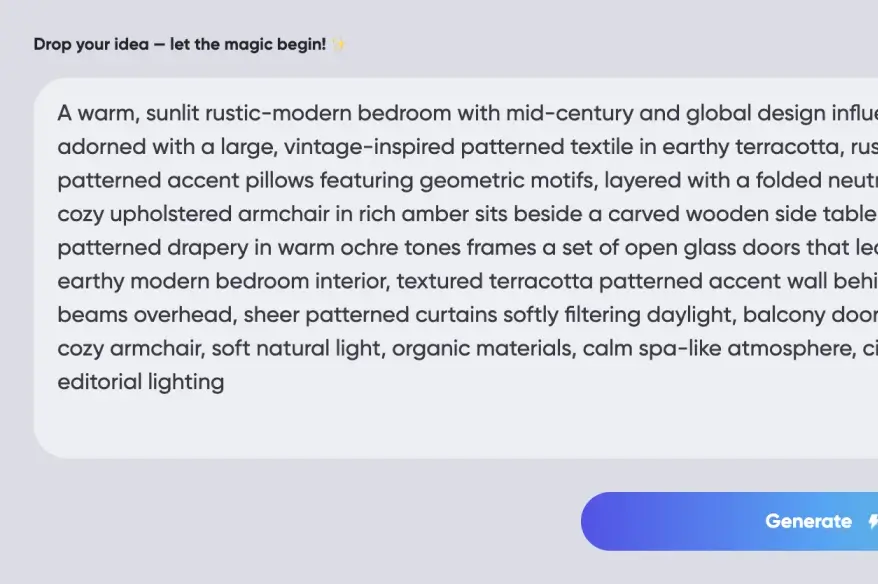
Enter a clear prompt with key details like subject, action, camera feel, and style.

Step 3 Generate with one click

Click generate to get a watchable video, so you can quickly confirm visuals and pacing.

FAQ

What are Kling’s main strengths?

Kling stands out in visual stability, motion continuity, and overall consistency across video use cases.

What inputs does Kling support?

Kling supports video generation from text prompts and from uploaded images as reference inputs. Text helps describe the scene, actions, and overall style, while reference images provide clearer visual direction for generating videos closer to the intended result.

What scenarios is Kling suitable for?

Suitable for content creation, social videos, product demos, and brand promotion.

Can generated videos be used commercially?

Yes. Generated videos can be used for commercial scenarios such as marketing, product demos, and content operations. Please ensure you have the rights or permission for any input images or materials, and follow copyright, trademark, and platform policies. If a person’s likeness or brand elements appear, make sure the necessary permissions are in place.

Can I try Kling for free on Rita?

Yes. You’ll get a free quota to try Kling. For higher limits or more usage, you can upgrade—see the pricing page for plan benefits and quotas.

Join the Rita AI ecosystem

Unlock your productivity

Nano Banana Pro

Nano Banana Pro

Gemini 3 Pro

Gemini 3 Pro

ChatGPT Image

ChatGPT Image

Rita Pro

Rita Pro

Rita

Rita

ChatGPT 5.2

ChatGPT 5.2

ChatGPT 5.1

ChatGPT 5.1

Grok 4.1

Grok 4.1

Claude 4.5 Sonnet

Claude 4.5 Sonnet