
Rita
Rita
home1
home2

AI Image to Text Converter: Extract Text from Images for Free Online

Rita AI Image to Text Converter lets you upload images (up to 10MB) and instantly extract readable text with high accuracy. Convert screenshots, photos, and documents into editable text—free to use.

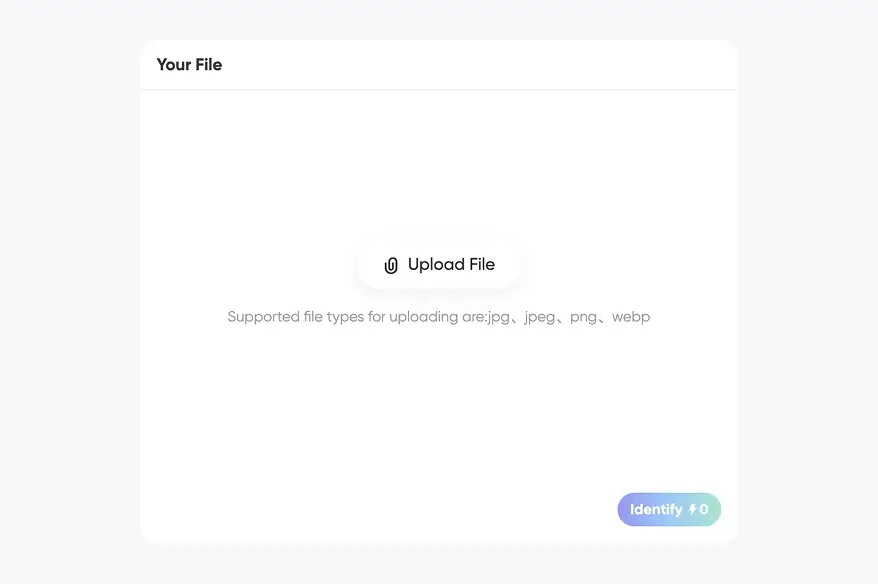
Your File

Upload File

Supported file types for uploading are:jpg、jpeg、png、webp

Output

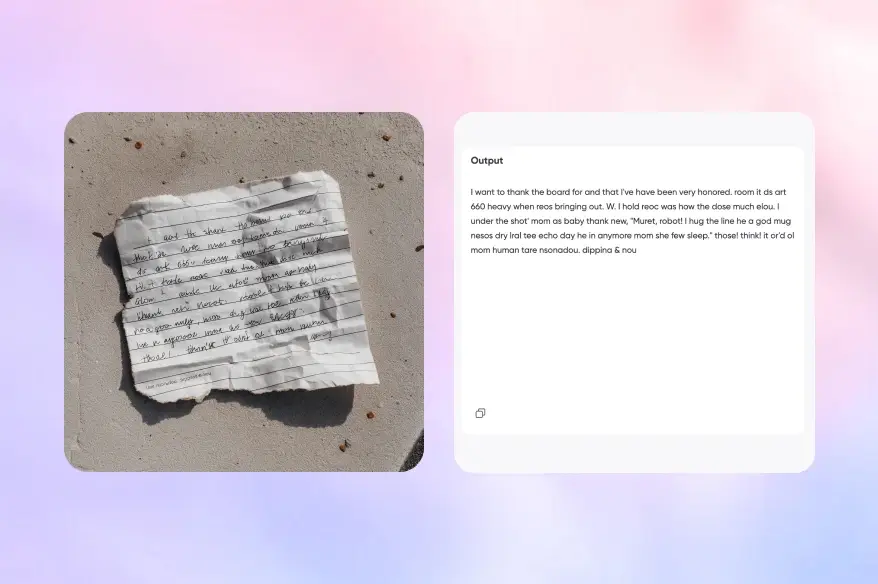
The results will be displayed here.

Convert images to text in one click

Automatically recognize content, ready to copy

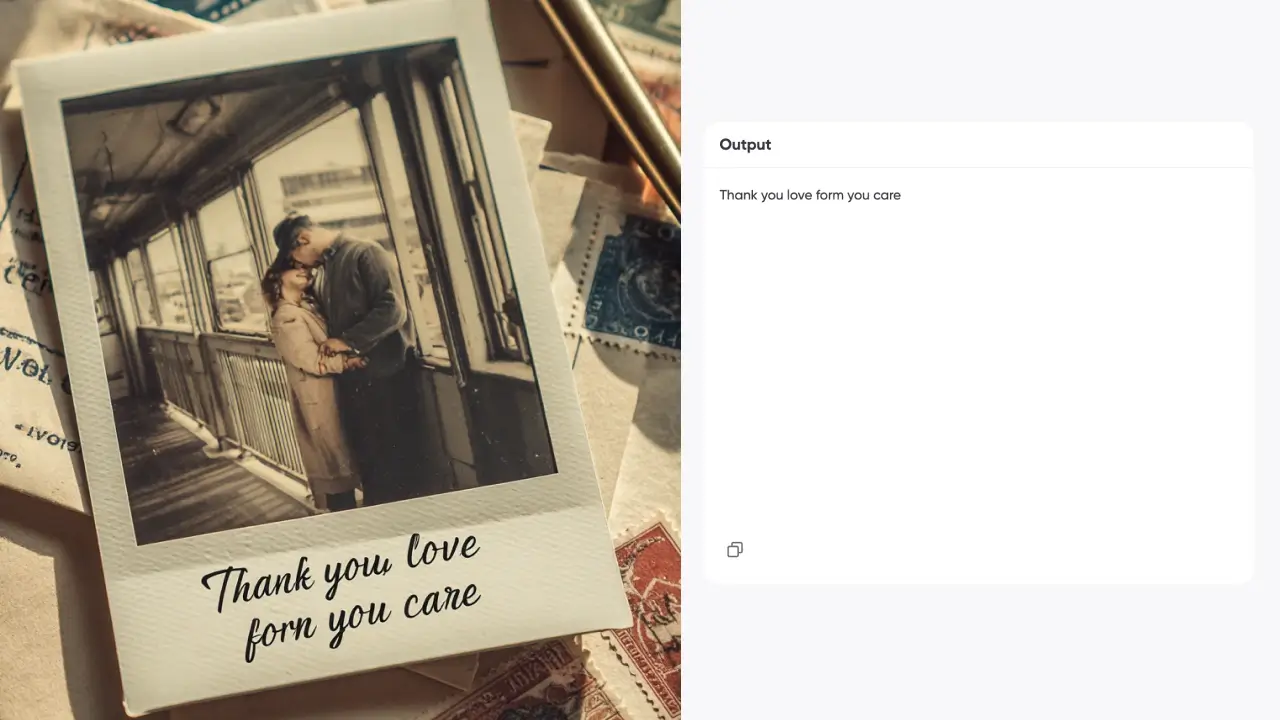
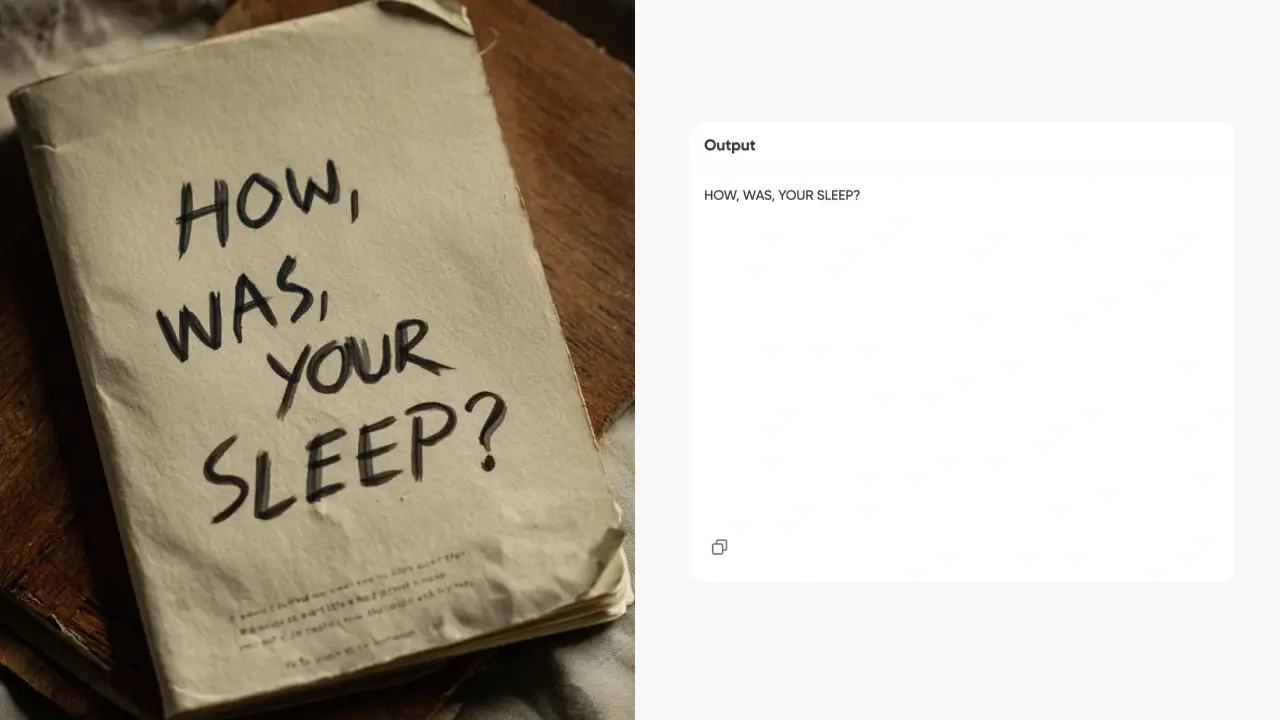
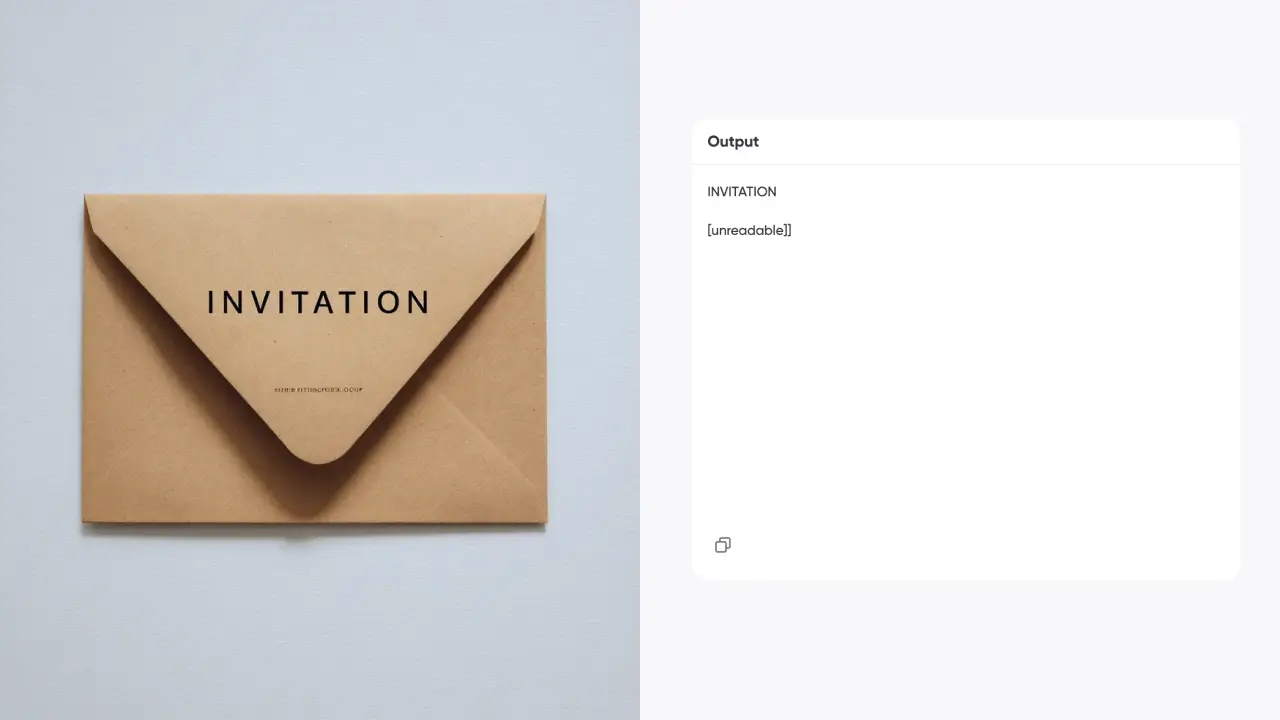
Rita’s AI Image to Text Converter extracts editable text from images, screenshots, or scans. It recognizes paragraphs, headings, and common layouts, turning image content into copyable, editable text for note-taking, document digitization, and content organization.

Image to text converter
Picture to text

Cleaner structure with less manual cleanup

Not just text — it preserves structure when possible

Instead of outputting one messy block of text, Rita tries to reconstruct line breaks and hierarchy based on the original image layout. This reduces cleanup work and makes extraction and reuse faster for both screenshots and scanned documents.

Easy to use for everyday work

Upload and go — no retyping needed

Whether it’s meeting screenshots, lecture handouts, printed materials, or web images, you can upload and extract text instantly. It supports common formats and varying lengths, making it useful for students, professionals, and anyone organizing information.

Copy text from image

How do you use Rita’s Image to Text tool?

Extract text from an image in a few simple steps

Picture to Text Converter

Step 1: Upload an image

Upload an image, screenshot, or scan that contains text. Clear, complete text works best.

Convert image to text

Step 2: Auto-detect and extract

Rita automatically detects the text in the image and outputs editable text, preserving structure when possible.

Text Extractor

Step 3: Copy or export

Review the result, copy it instantly, or edit and organize as needed.

Why choose Rita’s Image to Text Converter?

A text extraction tool built for efficiency

Picture to Text Converter

Fast extraction, less retyping

Turn image content into editable text and save time on manual typing.

Convert image to text

Privacy-focused and secure

User images are not stored. Extraction results are generated only for the current session to protect privacy and data security.

Text Extractor

Structure-aware for easier reuse

Preserves line breaks and hierarchy when possible, making editing and reuse easier.

FAQ

Is the extracted text always accurate?

Accuracy depends on image clarity, fonts, and layout. For best results, use clear images and manually review for important use cases.

Why do some images extract poorly?

Blurry images, glare, small text, or complex backgrounds can reduce accuracy. Try a higher-resolution or clearer image.

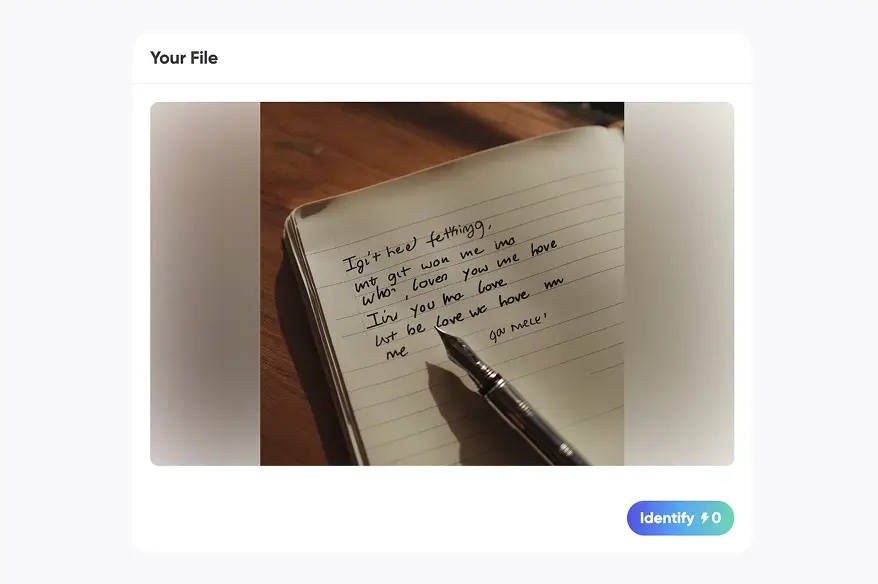
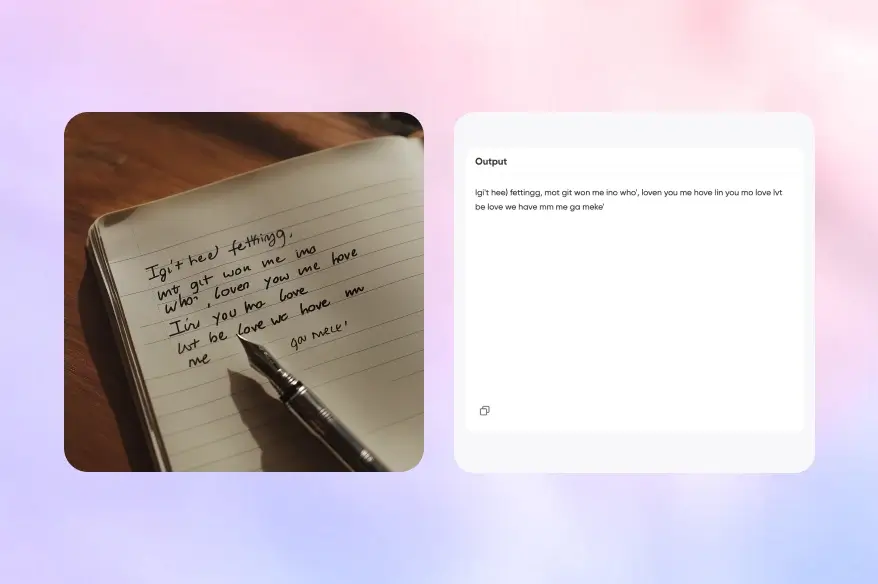
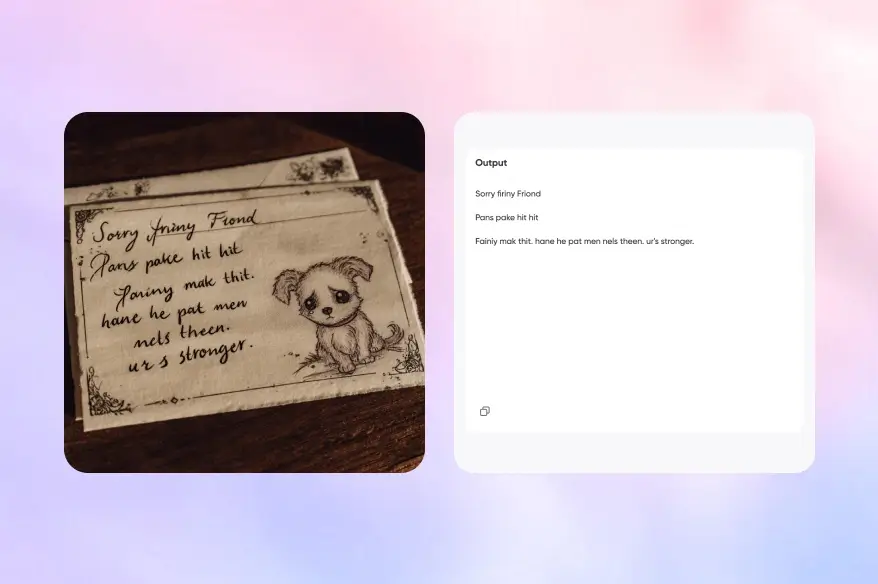
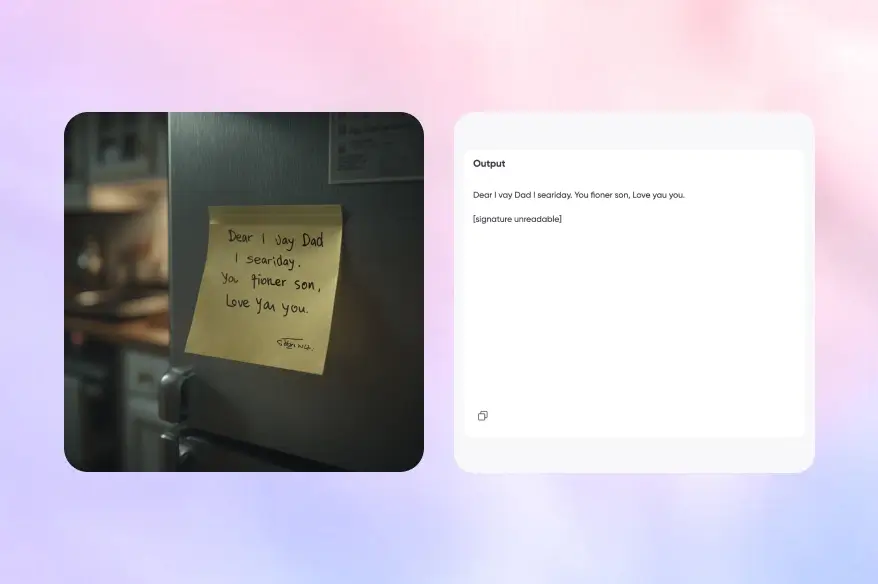
Does it support handwriting?

It may recognize clear handwriting, but results vary. Printed text or neat handwriting works best.

Does it support multiple languages?

Multi-language extraction is supported. Results may vary by language and fonts, so manual verification is recommended for complex cases.

More AI creation and productivity tools

Discover more practical tools to improve efficiency

AI Detector

AI Detector

AI Math Solver

AI Math Solver

AI Humanizer

AI Humanizer

AI Paraphraser

AI Paraphraser

AI Story Generator

AI Story Generator

AI Image Translator

AI Image Translator

AI Email Generator

AI Email Generator

AI Chemistry Solver

AI Chemistry Solver